
For families
Helping without taking over
Your parent already has the phone, the email and the patient portal. What they may not have yet is the confidence to use what those tools can do for them. Access ≠ Ability.
How do you build that confidence instead of quietly replacing it? How do you stay useful without becoming the person who does it for them? Here is the order we would go in, and what matters first.
Get the family guide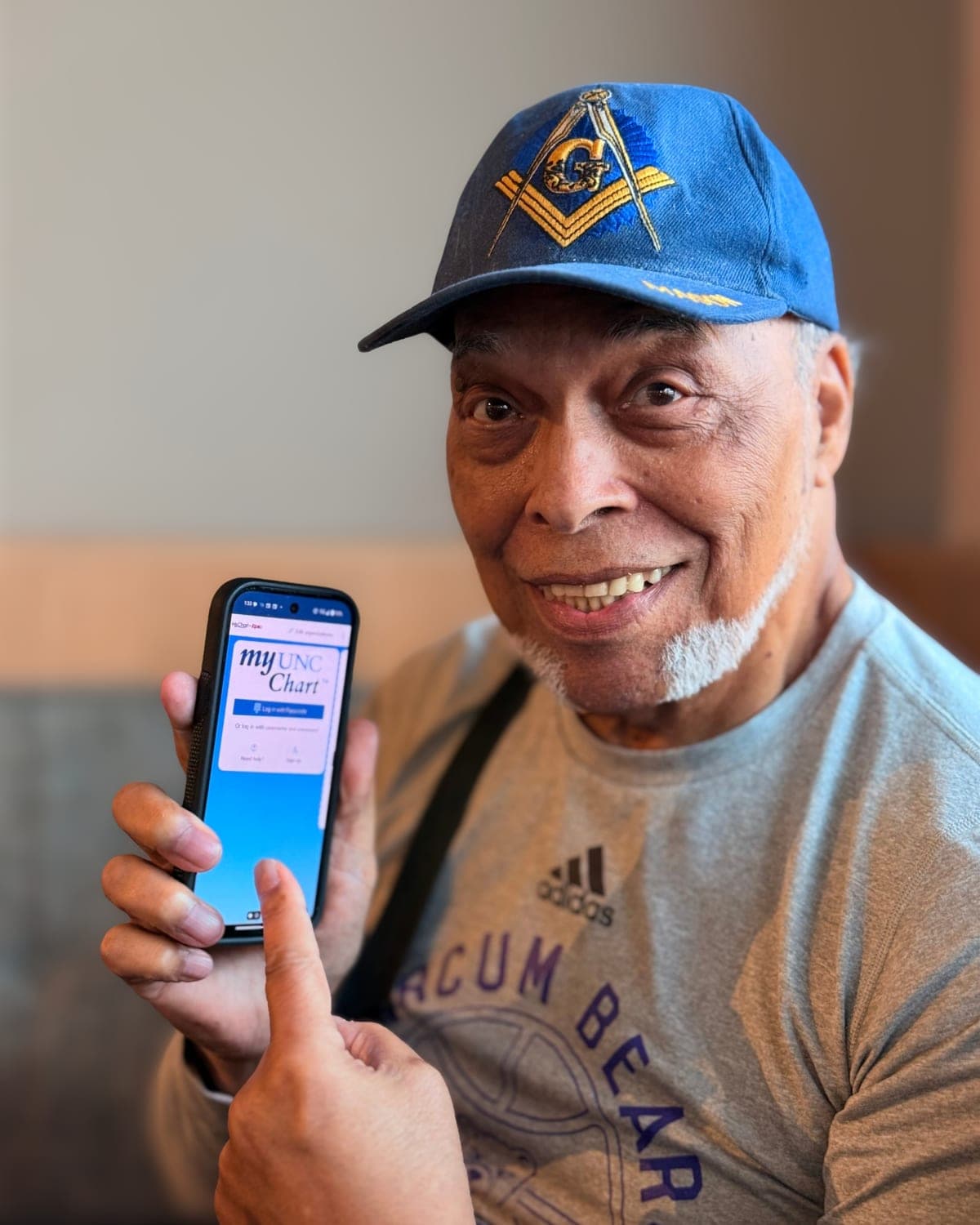
How to help without taking over
The goal isn't a parent who never needs you. It's a parent who calls to share something, not to fix something.
Start with what they want to do. Not what worries you. Someone who wants to see the grandkids' photos will learn faster than someone being taught about passwords.
Sit beside them. Their hands on the phone, not yours. If you drive, they never learn the route.
Show once, then let them do it twice. Do it while they watch. Then they do it while you watch, two times.
Write it down in their words. On paper, kept by the phone. Their words will make sense to them later. Yours might not.
One thing per visit. Short and often beats one long afternoon.
Use the same words every time. If it was "the settings gear" today, it's "the settings gear" next week too.
If you have to step in, say what you're doing and hand the phone back.
Signs you've started doing it for them: they hand you the phone when you walk in, or they say "you do it, you're faster." When you see it, hand the phone back and try again next visit.
What to set up first, in order
Most frustration comes from a handful of things. Do these in order, together, one visit at a time.
A phone that fits them. Bigger text, a home screen with only the apps they use, and a passcode they can remember.
Getting into their own accounts. Make sure they can get into their own email and phone account without you. Most problems start with an email or password nobody can reach. On an iPhone, they can name you as a recovery contact. You never see their account. All you can do is give them a code if they get locked out. You're the backup, not the one holding the keys. On Android, check that their Google account has a recovery phone number they control.
Real numbers, on paper. A card by the phone with the real numbers for their bank, pharmacy and doctor. When someone calls claiming to be one of them, they hang up and call the number on the card. That one habit stops most scams.
Their patient portal. Get their own MyChart login working first. Then, if they want, set up family access for you (see below).
Passwords they control. One system they pick and own: a notebook kept at home or a password manager. Not your memory. Turn on two-step sign-in for email and banking.
Emergency info on the phone. Fill in medications, allergies and who to call, together. On iPhone it's Medical ID in the Health app. On Android it's emergency information under Safety and emergency (menus vary by phone). Turn on showing it on the lock screen so a first responder can see it, and let them decide what goes in.
Scam red flags to talk through together
Talk about scams as something happening to everyone, not a warning aimed at them. Shame is what stops people from telling you when something has gone wrong.
- Pressure to act right now
- Being told to move money to "keep it safe"
- Being asked to pay with gift cards, crypto, a Bitcoin ATM or a wire transfer
- A pop-up saying the computer is infected, with a number to call
- A new online friend who needs money
- A call from "the government" about arrest, taxes or jury duty fines
- Anyone asking for a code that was just texted to them
- Being told to keep it secret from family
GOLD teaches the S.C.A.M. method: Stop. Confirm. Avoid giving out personal information. Make a report.
Agree on one family rule ahead of time: nobody will ever be upset about a call to check first.
If it already happened: call the bank's real number, change passwords, and report it at ReportFraud.ftc.gov. No blame.
Family access to MyChart, the right way
Don't sign in as your parent with their password. Family access (sometimes called proxy access) gives you your own login. The health system can see who is acting, and your parent can turn it off anytime.
How it usually works: your parent invites you from their MyChart, you confirm by email, and you see their record from your own account.
Some health systems use a form instead, inside MyChart or on paper. If you can't find it, call the MyChart help line listed on their health system's website.
What you can see depends on the health system. Some offer full access, some only scheduling. Ask your parent what they're comfortable sharing.
Family access is for helping, not taking over. They still message their own doctor when they can.
Helping a parent with their healthcare? Watch family access get set up, step by step.
When to bring in GOLD
Sometimes the best help is someone who isn't their kid. Bring in GOLD when you live far away, when the same question keeps coming back, or when you'd like them to learn from someone new.
GOLD runs hands-on workshops on digital health, scam prevention and AI readiness, online and in person.
Find a workshop for themQuestions? hello@live-gold.org · (919) 808-4653
Take the guide with you
The full illustrated guide, with a checklist and a cut-out card for important phone numbers. Print it or keep it on your phone. We'll also email you a copy.
Stay in the loop
Get workshop dates, events and new guides for helping at home.